

 By
By Introduction
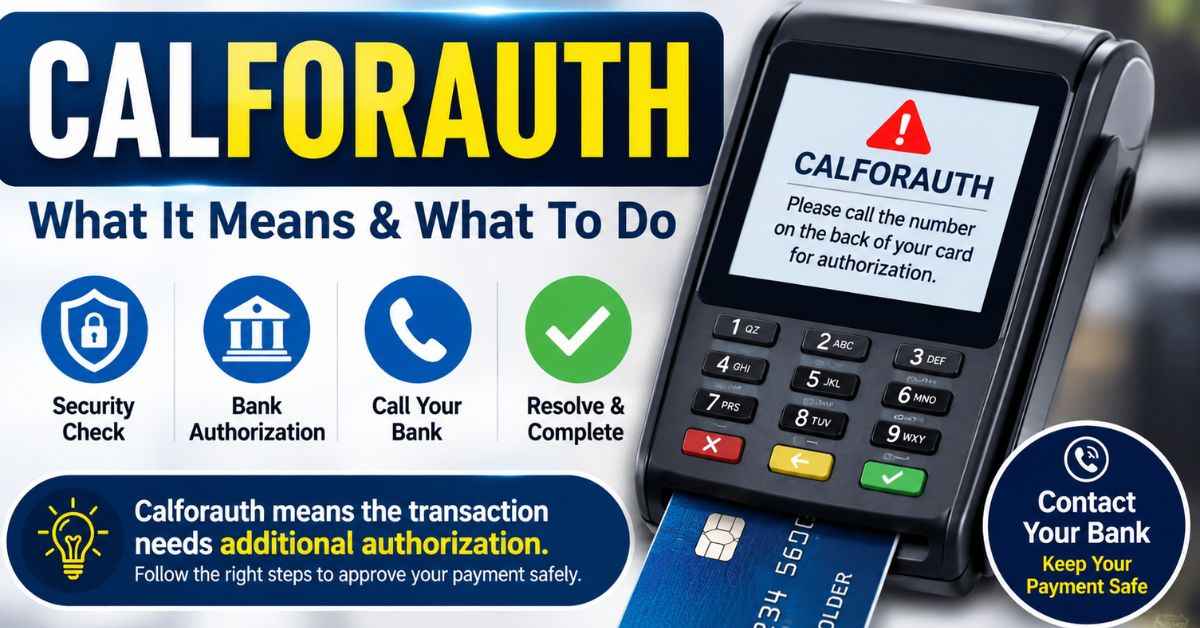
A card payment can fail at the worst moment: the customer is waiting, the line is growing, and the terminal shows an unfamiliar message. Calforauth usually means “call for authorization.” It tells the merchant that the payment cannot continue through the normal automatic approval flow and may need extra review.
The message does not prove that the card is stolen, empty, suspended, or blocked. It also does not promise approval after a phone call. The safest response is to pause the sale, avoid repeated attempts, and follow the correct bank or processor procedure.
What Does Calforauth Mean on a POS Terminal?
Calforauth is a terminal response indicating that a card transaction needs issuer review, customer approval, or a voice-authorization process before it can continue. In a normal authorization, the terminal sends the request through the merchant’s processor and card network to the issuing bank. The issuer then approves it with an authorization code or declines it with a response code.
The wording varies by device. One terminal may show “CALL AUTH,” another may show “CALL FOR APPROVAL,” and another may display the shortened term.
Braintree separates “Voice Authorization Required,” “Declined—Call for Approval,” and “Do Not Retry, Call Issuer” into different responses. One can direct the merchant to a special process, while another tells the customer to contact the bank.
| Terminal response type | What it usually means | Best first action |
| Voice authorization required | Merchant may need a special approval code | Follow the processor’s official procedure |
| Call issuer or call for approval | Issuer wants the cardholder to contact the bank | Customer calls the official bank number |
| Do not retry | Further attempts are unlikely to work | Stop and request another payment method |
| Communication or terminal error | Request may not have completed correctly | Check the terminal or call merchant support |
Treat the screen message as an instruction, not a diagnosis. Only the issuer can explain private account details to the cardholder, and processors often receive only a general decline reason for security and privacy purposes.
Why Does the Calforauth Message Appear?
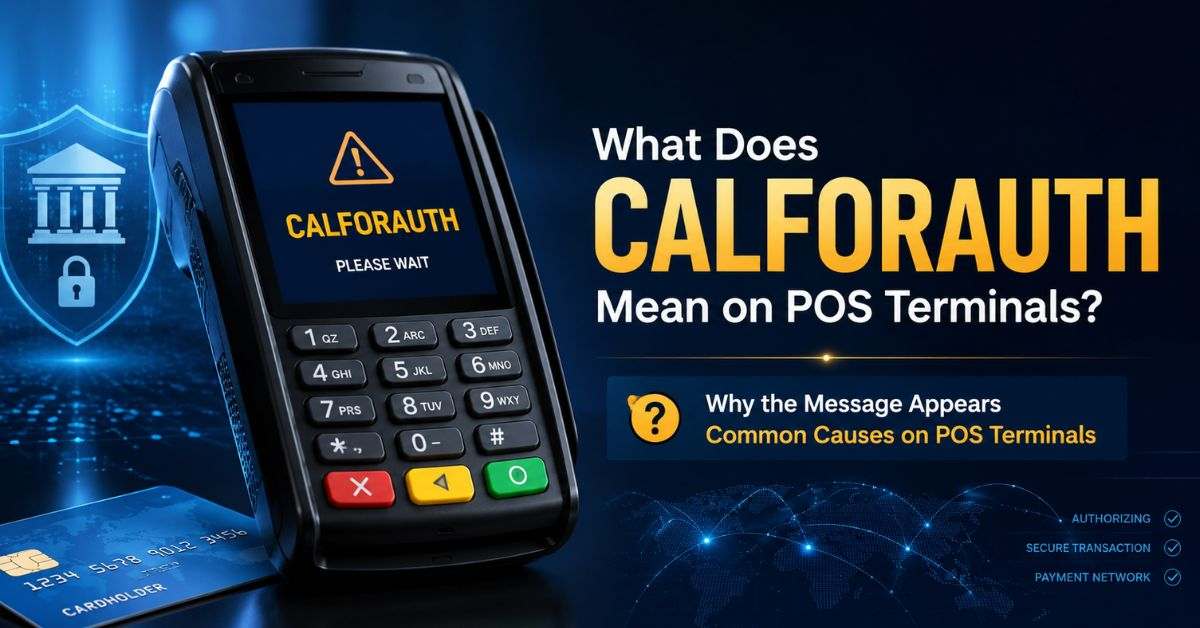
The terminal may not reveal the exact cause. Possible reasons include a bank security review, card restriction, customer-approval requirement, account limit, unsupported transaction type, or processor problem.
A purchase outside the customer’s normal pattern may trigger extra review. A bank may also restrict a card because it is locked, newly issued, reported lost, used in an unusual location, or presented for a merchant category the account does not support.
Processor documentation lists limits, activity restrictions, suspected fraud, and invalid transaction types among possible causes of issuer declines.
Technical trouble creates a different situation. A weak connection, timeout, outage, or merchant setup error may stop the request from completing.
Mastercard rules require a reversal when a POS authorization times out without a response, helping prevent an incomplete attempt from remaining as a valid sale.
| Possible cause | Customer clue | Merchant action |
| Security review | Bank alert or app notification | Let the customer contact the issuer privately |
| Card restriction | Locked card or spending limit | Request another payment method |
| Manual authorization | Terminal requests voice approval | Use the processor-approved authorization route |
| Network trouble | Several cards fail on one terminal | Check connectivity and call support |
| Setup problem | Error repeats by terminal or payment type | Ask the processor to review the configuration |
The message should not be translated as “insufficient funds.” That is only one possible cause, and many issuer responses do not reveal the real reason to the store.
How to Resolve Calforauth Safely: Step by Step
This process fits a staffed retail checkout. Store rules may be stricter, so employees should follow local policy first.
- Pause the transaction
Do not keep submitting the same payment. Repeated attempts can create confusion, duplicate pending entries, or more fraud controls. - Read the complete message
Look for “call issuer,” “voice authorization,” “do not retry,” or a response code. Record the time, amount, and terminal ID if policy allows, but never record the full card number, PIN, or security code. - Ask the customer to check for a bank alert
The issuer may have sent a text, app prompt, or fraud-verification notice. The customer should complete that process privately. - Use the correct phone route
When the screen tells the customer to call, they should use the number on the card or in the official banking app.
When merchant voice authorization is required, staff should use the official number and steps supplied by the acquirer—not a number found through a general web search. - Follow the answer exactly
Enter an approval code only through the approved terminal or virtual-terminal procedure. USAePay, for example, directs merchants to obtain an issuer code and enter it through its Voice Auth workflow. - Offer another payment method
Some processors recommend this because voice authorization can be lengthy and may still end in a decline. - Escalate repeated patterns
If several unrelated cards show the same error, contact the processor or technical support.
Realistic Checkout Example
A customer inserts a debit card for a larger purchase, and the terminal displays Calforauth with “call issuer.” The cashier does not try the card five more times. Instead, the customer contacts the bank through the official app.
The bank verifies the purchase. The customer then follows the bank’s instructions and makes one approved retry or uses another card. The store never asks for a PIN, online-banking password, or one-time security code.
Common Mistakes When Calforauth Appears
The first mistake is assuming the message proves fraud. Staff should use neutral wording such as, “Your bank is requesting an additional check,” rather than embarrassing the customer.
The second is changing the payment method at random. Switching from chip to swipe, bypassing a PIN, forcing an offline sale, or entering an invented approval code can increase fraud and chargeback risk.
Manual authorization should happen only through the merchant’s approved process.
Another mistake is calling an unverified number. Customers should use a number on the card, an official statement, or the bank’s authenticated app. Merchants should use the authorization center listed in their processor materials.
Businesses must also protect card data. PCI guidance stresses trained staff, secure processes, and correctly implemented payment technology. Telephone-based card handling needs extra safeguards because spoken or recorded details can create exposure risks.
Finally, do not promise that a pending amount will disappear immediately. Only the issuer can explain whether a hold exists and when it may be released.
Pro Tips and Best Practices
Create a short staff script:
“The terminal needs extra permission from the bank. Please contact your issuer or use another payment method.”
This protects privacy and keeps the checkout line moving.
Train employees to distinguish three routes: the customer calls the issuer, a manager uses the merchant authorization center, or staff contact technical support. These routes are not interchangeable.
Keep official processor numbers in a secure staff reference. Record terminal details rather than card details, and never write down a PIN, CVV, full account number, or online-banking code.
Use one controlled retry only when the terminal, bank, or processor permits it. Some responses are hard declines and should not be retried.
Network documentation includes “refer to issuer” and “refer to issuer—special condition” codes, so one retry policy cannot fit every case.
Review recurring Calforauth incidents with the processor. A pattern limited to one register, one payment type, or one time window may indicate a device, network, or configuration problem.
FAQs
Is Calforauth the same as a declined card?
No. It means the normal authorization did not finish with a standard approval and additional action may be required. The final result can still be approved or declined, depending on the issuer response, customer verification, processor rules, and the merchant’s approved procedure.
Should the cashier call the number on the customer’s card?
Not automatically. The customer should call the issuer when the message says “call issuer” or “call for approval.” If merchant voice authorization is required, staff should use the official number supplied by their processor, involve a manager when required, and follow store policy.
Can a Calforauth transaction be retried immediately?
Only when the issuer, processor, or store procedure allows it. One controlled retry may work after customer verification or a temporary communication problem, but repeated attempts can fail again, create duplicate pending entries, or trigger added fraud controls on the card.
Does the message mean insufficient funds?
No. Insufficient funds are one possible cause, but the same message may relate to security review, account restrictions, spending limits, unsupported activity, a locked card, or a manual approval requirement. The issuing bank is usually the only party that can confirm the exact reason.
Can a merchant force the payment through?
A merchant should never force a payment without a valid authorization code and an approved processor workflow. A false code, bypassed verification, or unauthorized offline sale can create fraud, settlement, and chargeback problems. Ask for another payment method when proper approval cannot be obtained.
What should a customer say when calling the bank?
The customer should say that an in-person purchase produced a call-issuer or authorization message. They can provide the amount, merchant name, time, and location, then answer the bank’s identity checks privately. They should never share a PIN or online-banking password with store staff.
What if several cards show the same message?
Several unrelated cards failing on the same terminal can point to a connection, configuration, or processor problem. Test another approved terminal if available, note the error wording and time, and contact merchant technical support. Do not assume every customer has the same account problem.
Conclusion
Calforauth is a request for extra authorization, not a full explanation of why a payment failed. The customer may need to contact the bank, the merchant may need an approved voice-authorization process, or the store may need technical support.
A safe procedure protects everyone. Pause the sale, avoid repeated retries, use verified phone numbers, protect card data, and offer another payment method when approval cannot be obtained. These steps solve the problem without guessing or forcing a risky transaction.